Tired of plugging and unplugging charging cables? Worried about wearing out your phone’s charging port? Wireless charging offers a super simple, convenient way to power up your compatible devices...
Tired of plugging and unplugging charging cables? Worried about wearing out your phone’s charging port? Wireless charging offers a super simple, convenient way to power up your compatible devices without the fuss.
Simply plug your wireless charging pad or stand into a power source, like a wall adapter. Then, place your compatible smartphone or device flat onto the center of the charger. Look for a charging confirmation (like an icon) on your device’s screen.
It really is almost that simple! As someone who’s overseen the production of countless chargers here at FUMEI, I know the technology might seem complex, but using it day-to-day is designed to be effortless. It takes the hassle out of staying powered up. Let’s break down exactly what you need to get started and the simple steps involved.
Unsure what gear you actually need to ditch the cable? Worried about buying incompatible parts or missing something crucial? Getting set up for wireless charging is easier than you think with just a few key items.
You need three main things: a device compatible with wireless charging (like most modern smartphones), a wireless charger itself (pad or stand), and a suitable power adapter to plug the charger into the wall socket.
Getting these three pieces right ensures a smooth, efficient charging experience. It prevents the frustration of slow charging or finding out your new gadget isn’t compatible. Let’s look closer at each component.
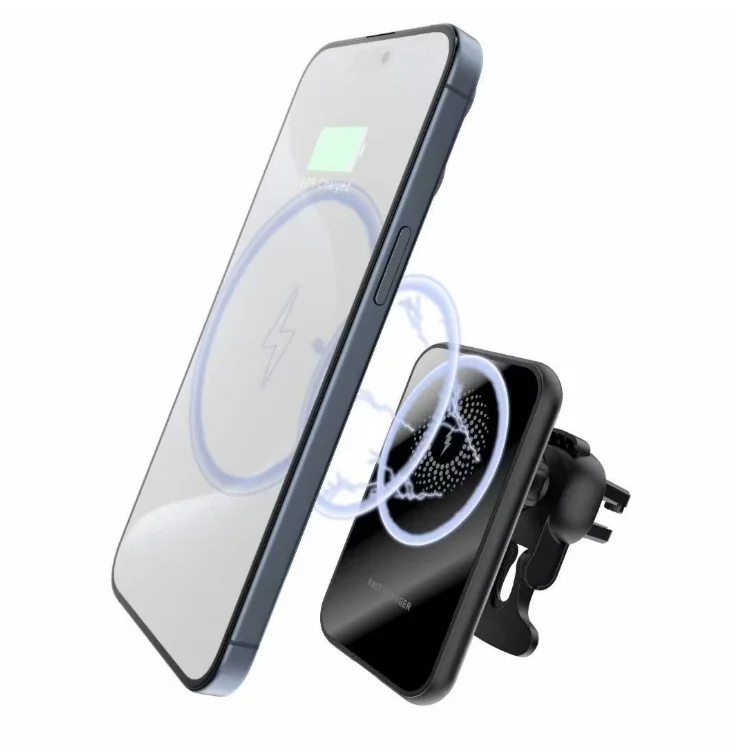
The most important piece is having a device built for wireless charging. Most modern smartphones from major brands (Apple iPhones 8/X and newer, Samsung Galaxy S/Note series from S6/Note5 onwards, Google Pixel 3 and newer, etc.) support the Qi (pronounced "chee") standard1. This is the universal standard, meaning a Qi-certified charger should work with any Qi-enabled device. Some newer iPhones (12 and later) also feature MagSafe, Apple’s magnetic system that aligns perfectly with MagSafe chargers for potentially faster speeds (up to 15W vs. Qi’s typical 7.5W/10W). Always check your device manufacturer’s specifications to confirm Qi or MagSafe compatibility.
Wireless chargers mainly come in two forms:
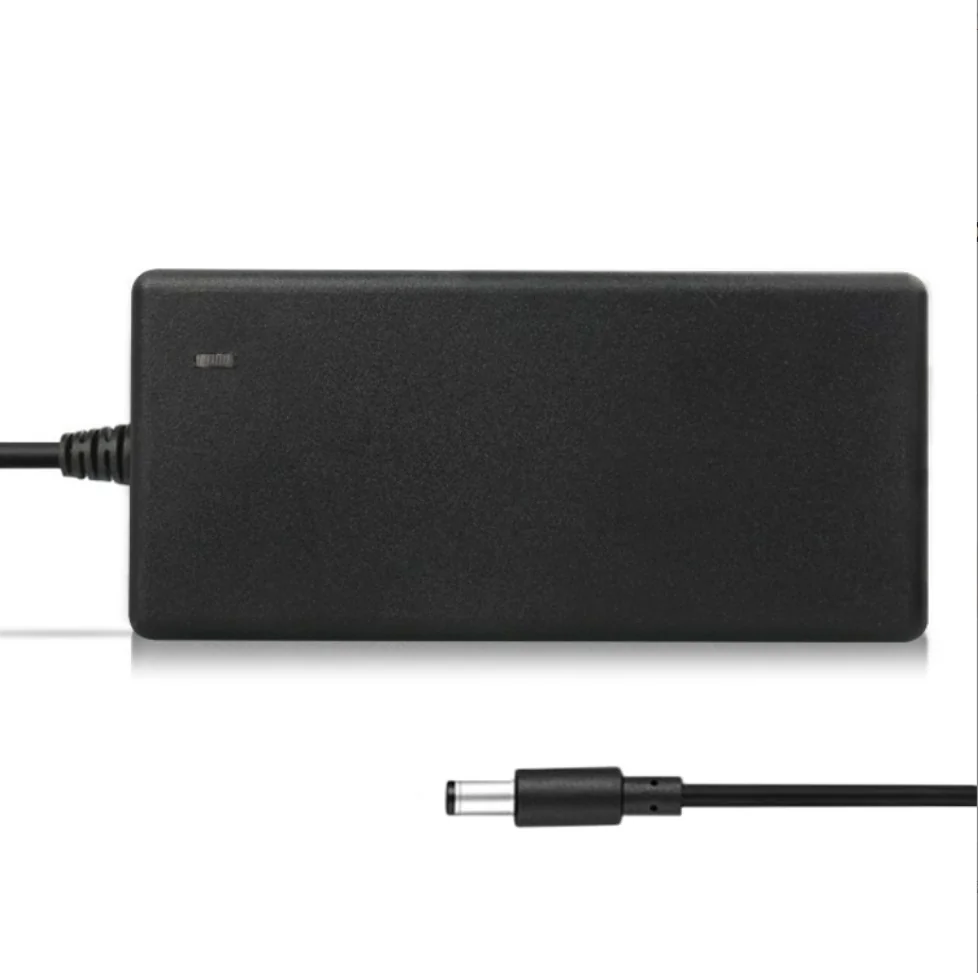
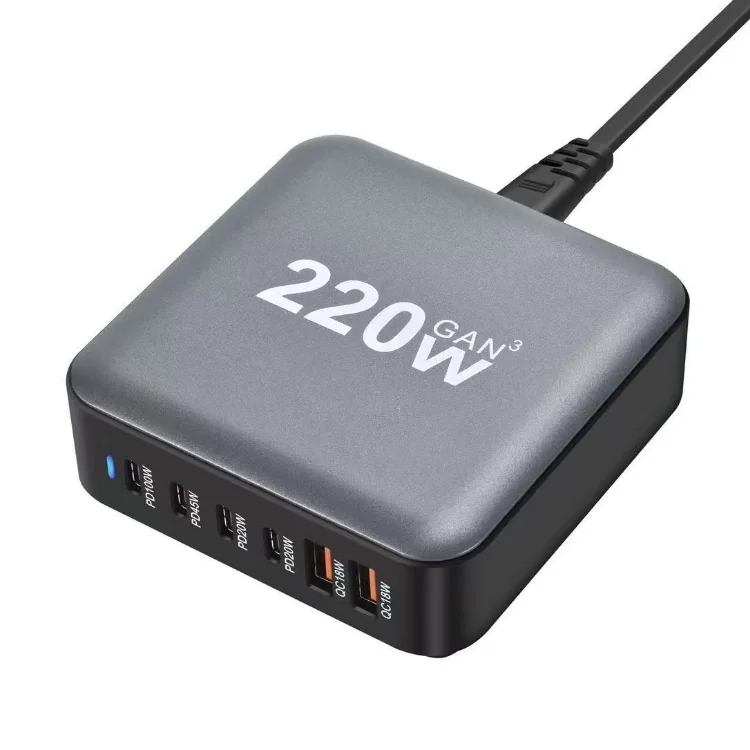
The wireless charger itself needs power. Most come with a USB cable but often not the wall adapter (power brick). Crucially, the adapter’s output determines charging speed. Using an old 5W phone adapter will result in slow wireless charging, even if the pad and phone support faster speeds. For optimal performance (e.g., 7.5W/10W Qi or 15W MagSafe), you’ll likely need a USB Power Delivery (PD) adapter3 with sufficient wattage (e.g., 18W or 20W+). Check the wireless charger’s requirements.
| Component | Key Consideration | Recommendation |
|---|---|---|
| Device | Qi / MagSafe Compatibility | Check phone specs (e.g., iPhone 8+, Samsung S6+) |
| Charger | Form Factor & Certification | Choose Pad/Stand; Must be Qi-Certified |
| Power Adapter | Wattage & Output Type | Use adapter meeting charger’s needs (often 18W+ PD) |
Got your compatible phone, Qi-certified charger, and the right power adapter? Feeling hesitant about the exact steps? Worried you’ll place the phone wrong or it won’t charge correctly? Following these simple steps ensures it works perfectly every time.
First, connect your wireless charger to its power adapter and plug that into a wall socket. Place your compatible device flat onto the charging surface, aiming for the center charging coil area. Look or listen for confirmation (screen icon, sound) that charging has started.
It’s designed to be intuitive, but proper placement and avoiding interference are key for efficiency and safety. Here’s a slightly more detailed breakdown:
Connect the USB cable securely to the wireless charging pad/stand and then plug the other end into your power adapter. Plug the adapter into a working wall outlet. Many chargers have an indicator light to show they are receiving power. Make sure connections are snug – a loose cable can interrupt charging, a common issue David (my target user) would want to avoid.
This is the most crucial step for standard Qi charging. Gently place your phone or other Qi-enabled device flat onto the charging surface.
Once properly placed, your device should indicate that it’s charging. This is usually:
If charging doesn’t start or stops unexpectedly:
Following these steps makes wireless charging a reliable and hassle-free experience, just like we aim for with FUMEI products.
Wireless charging is simple: connect the charger to power, place your compatible device on top (centered is key!), and check for the charging confirmation. It’s a convenient, cable-free way to keep powered up.
Understanding the Qi standard is essential for choosing compatible wireless chargers and devices, ensuring efficient charging. ↩
Explore how MagSafe technology enhances wireless charging for iPhones, providing faster speeds and better alignment. ↩
Learn about USB PD adapters to optimize your wireless charging speed and performance, enhancing your charging experience. ↩
We manufacture what these articles describe, in China and in Vietnam.
FUMEI builds power adapters, wall chargers, car chargers and wireless chargers in China and Vietnam.