Hate carrying that bulky gaming laptop charger? Wondering if your Acer Helios Neo 16’s USB-C port offers a lighter charging solution for travel or emergencies? It’s a common hope for powerful...
Hate carrying that bulky gaming laptop charger? Wondering if your Acer Helios Neo 16’s USB-C port offers a lighter charging solution for travel or emergencies? It’s a common hope for powerful machines.
Yes, the Acer Predator Helios Neo 16 can charge via its USB-C port, but it requires a charger supporting USB Power Delivery (PD) and likely won’t provide enough power for full performance gaming. It’s more for topping up or light use.
So, it can charge, but there are big ‘ifs’ involved, and it won’t fully replace that hefty power brick it came with. As someone manufacturing chargers at FUMEI, I know the details matter greatly for performance and safety. Let’s dive into what kind of USB-C charger you need and understand the limitations you’ll face.
Bought a generic USB-C phone charger hoping it would power your Helios Neo 16, only to find it doesn’t work? Getting the right specs is essential, otherwise, you’re just wasting money and still stuck with the brick.
You need a USB Power Delivery (PD) charger with a high enough wattage output, typically at least 65W, ideally 100W or more, using a compatible USB-C PD cable rated for that power. Standard phone chargers won’t cut it.
Let’s break down why these specific requirements are crucial. The Helios Neo 16 is a power-hungry gaming laptop. Its dedicated charger (that barrel-plug brick) often supplies anywhere from 230W to 330W, depending on the exact configuration. USB-C Power Delivery currently tops out officially at 240W (PD 3.1 spec), but most readily available PD chargers and laptop implementations are capped at 100W (PD 3.0).
Here’s a quick guide:
| Charger Feature | Will it Charge Helios Neo 16? | Notes |
|---|---|---|
| Standard USB-C (5V) | No | Lacks Power Delivery protocol. |
| Low Wattage PD (<65W) | Maybe (Very Slowly / Off) | Insufficient power for active use, might trickle charge when off. |
| 65W USB-C PD Charger | Yes (Slowly / Light Use) | Minimum viable option for charging when off or maybe very light work. |
| 100W USB-C PD Charger | Yes (Best USB-C Option) | Offers the most power via USB-C PD standard (PD 3.0). Still limited. |
| Original Barrel Charger | Yes (Full Power) | Designed to provide the ~230W-330W needed for peak performance. |
Always check the charger’s output specifications carefully. A "100W" multi-port charger might only deliver 65W or less from a single USB-C port when others are in use. Ensure the specific port you use can deliver the required wattage.
Plugged in via USB-C but your game is lagging, stuttering, or the battery percentage is actually dropping? Don’t expect that convenient USB-C connection to fully replace the main power brick for intense tasks like gaming.
No, USB-C Power Delivery1 (typically max 100W via PD 3.0) cannot match the 230W+ power the dedicated barrel charger provides. It’s usually enough only for light tasks, web browsing, video playback, or slow charging when the laptop is off/sleeping, but not for peak gaming performance.
This is the most important limitation to understand. Gaming laptops like the Helios Neo 16 have powerful CPUs and, crucially, power-hungry dedicated Graphics Processing Units (GPUs)2. When you fire up a demanding game, the combined power draw of the CPU, GPU, screen, fans, and other components can easily exceed 150W, often pushing well over 200W.
Despite the limitations, USB-C charging on the Helios Neo 16 still has its uses:
Here’s when to use which charger:
| Scenario | Recommended Charger | Expected Outcome |
|---|---|---|
| Demanding Gaming | Original Barrel Brick | Full performance, stable power. |
| Heavy Productivity | Original Barrel Brick | Full performance, stable power. |
| Web Browsing/Video | 100W USB-C PD / Brick | Good performance, should charge or maintain battery. |
| Charging While Off | 65W+ USB-C PD / Brick | Charges the battery (speed depends on wattage). |
| Emergency / Travel | 100W USB-C PD | Convenience, charges slowly or maintains battery under light load. |
Think of USB-C charging on this laptop as a helpful backup or light-duty option, not a replacement for the main power source during demanding tasks.
Tried plugging your shiny new 100W PD charger into a USB-C port on your Helios Neo 16 and it didn’t charge? Not all USB-C ports on a laptop are created equal, especially when it comes to accepting power input.
Yes, it likely matters significantly. On the Helios Neo 16, charging via USB-C is usually supported only on the specific USB-C port(s) that are designated for Power Delivery input. Look for ports labelled with a Thunderbolt symbol (lightning bolt) or sometimes explicitly a PD symbol (like a ‘D’ shape inside a battery icon).
Manufacturers often include multiple USB-C ports, but they might have different capabilities to save costs or manage internal bandwidth. It’s crucial to identify the correct port designed to handle power input.
Here’s a quick reference for port types (general guide, check your specific model):
| Port Type / Label | Supports USB-C PD Input Charging? | Primary Function(s) |
|---|---|---|
| USB-C with Thunderbolt 4 (⚡) | Yes | High-speed Data, DisplayPort, Power Delivery In/Out |
| USB-C with PD Symbol (e.g., battery) | Yes | Power Delivery In/Out, Data |
| USB-C 3.2 Gen 1/2 (SS, 5Gbps, 10Gbps) | Usually No | Data Transfer, Possibly DisplayPort Out |
| USB-A (Rectangular) | No | Data, Peripheral connection, Power Output |
| Barrel Connector (DC-in) | N/A (Dedicated Power) | Main Power Input |
Always connect your high-wattage USB-C PD charger to the Thunderbolt 4 port(s) first. If charging doesn’t initiate, double-check your charger and cable compatibility, and consult your laptop’s manual.
So, the Helios Neo 16 can charge via USB-C if you use a high-wattage (100W recommended) PD charger on the correct Thunderbolt port. However, it won’t replace the main brick for gaming performance. It’s a convenience, not a full substitute.
Understanding USB-C Power Delivery is crucial for optimizing charging and performance on devices like the Helios Neo 16. ↩
Learn about the demands of GPUs to better understand power requirements for gaming laptops and performance. ↩
Explore the features of Thunderbolt 4 ports to maximize your device’s performance and connectivity options. ↩
We manufacture what these articles describe, in China and in Vietnam.
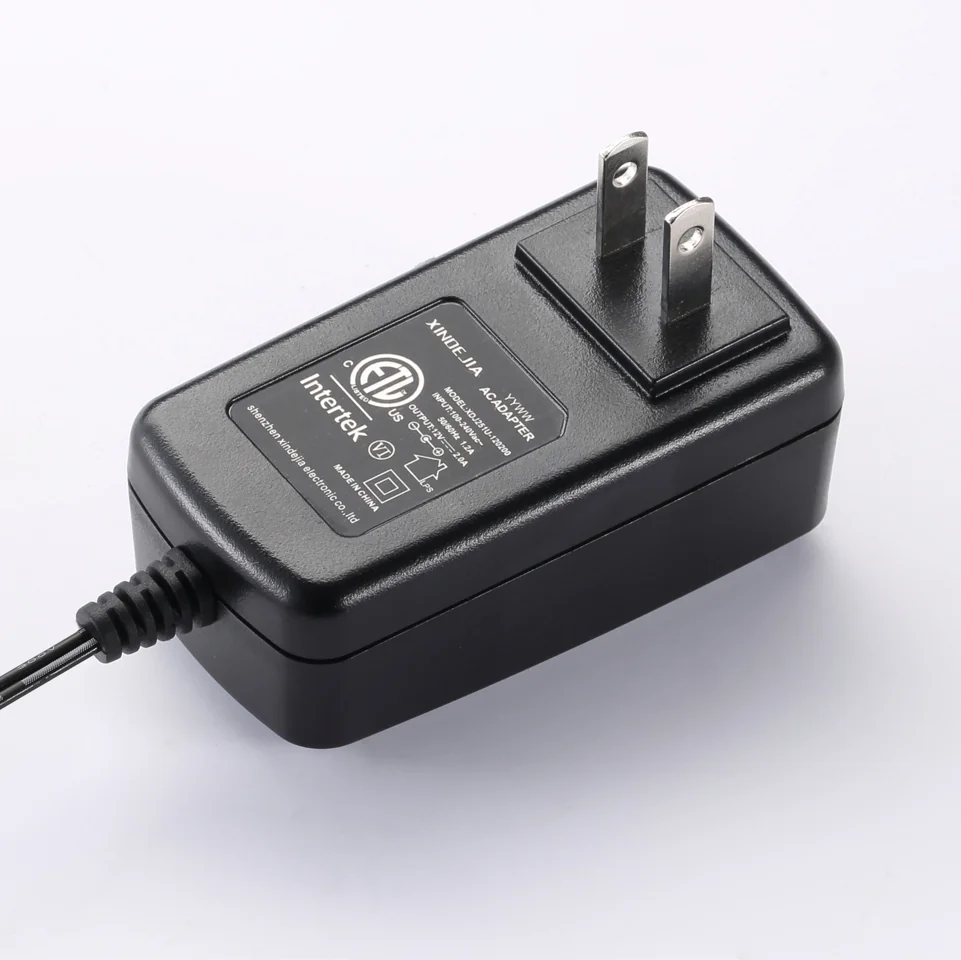
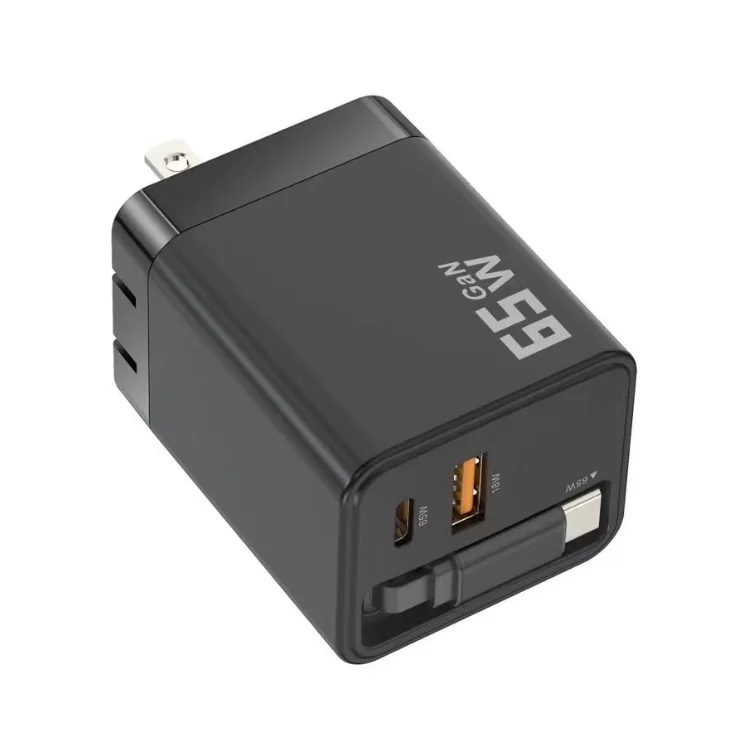
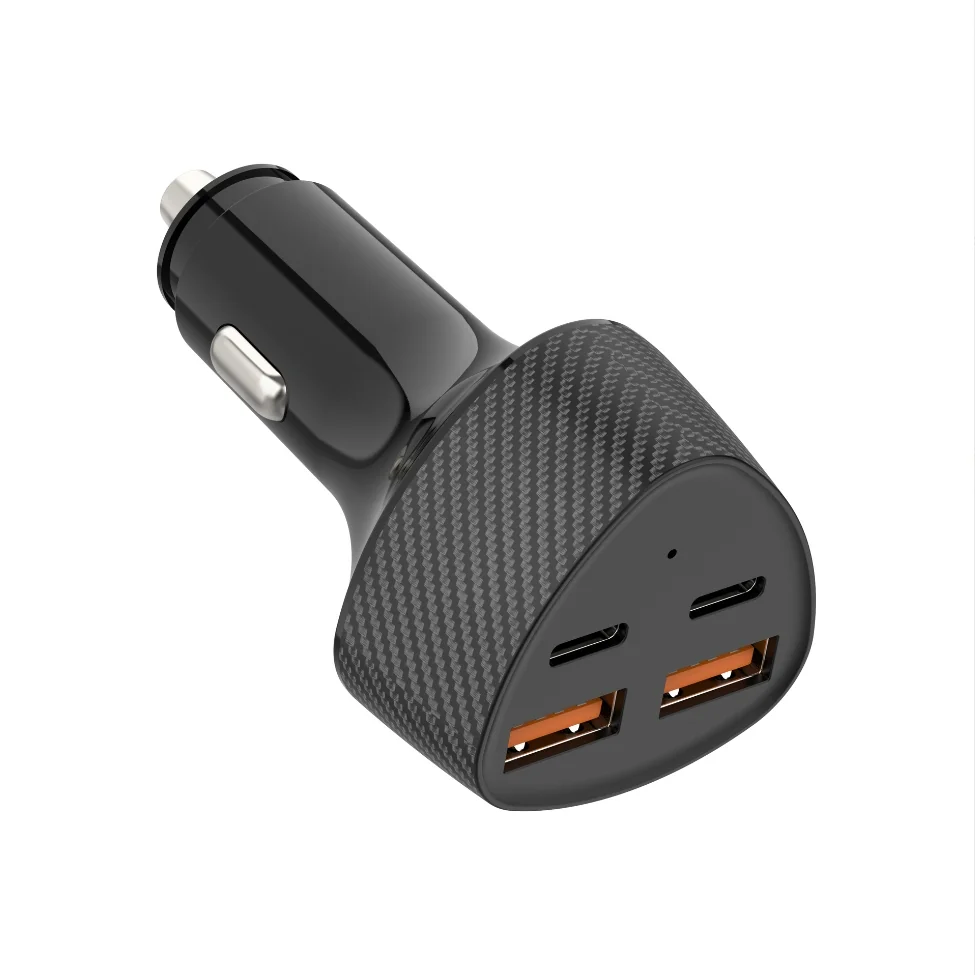
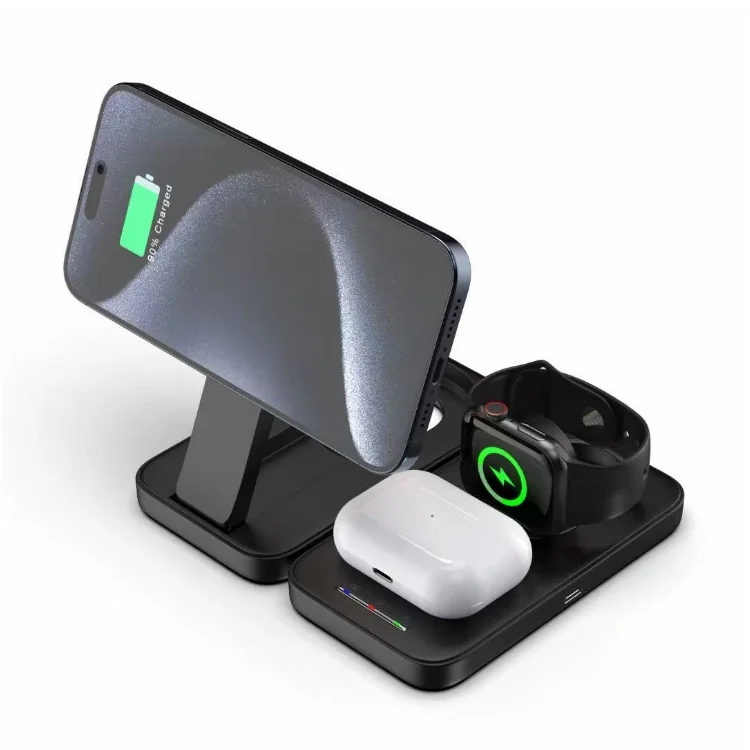
FUMEI builds power adapters, wall chargers, car chargers and wireless chargers in China and Vietnam.